
Best AI Agents for Business Automation (2026)
The AI agent market has shifted from simple trigger-action workflows to autonomous, multi-step reasoning systems that can handle complex business processes end to end. Search interest for "AI agents" has grown over 900% since early 2024, and the global agentic AI market is projected to reach $71 billion by 2028. Organizations deploying AI agents report saving an average of 12.5 hours per week per employee on repetitive tasks. GeekyExpert evaluated the leading AI agent platforms on integration depth, AI reasoning capability, pricing transparency, self-hosting options, and enterprise readiness.
AI AGENT MARKET STATISTICS (2026)
| Metric | Figure | Source |
|---|---|---|
| Search interest growth ("AI agents") | 900%+ since 2024 | Google Trends, 2026 |
| Global agentic AI market (projected) | $71 billion by 2028 | Industry research, 2026 |
| Average time saved per employee/week | 12.5 hours | McKinsey, 2025 |
| Enterprises piloting AI agents | 82% | Gartner, 2026 |
| ROI breakeven for AI agent deployment | 3-6 months | Forrester, 2026 |
| Workflow error reduction with AI agents | 65-80% | Deloitte, 2025 |
| Companies replacing manual workflows with agents | 61% | HubSpot State of AI, 2026 |
| Average integrations per business tech stack | 130+ SaaS tools | Productiv, 2026 |
PLATFORM SELECTION FRAMEWORK — COST COMPARISON (2026)
ENTRY-LEVEL PRICING (monthly, paid plans)
SELF-HOSTING AVAILABILITY
Featured AI Tools & Business Automation
Zapier
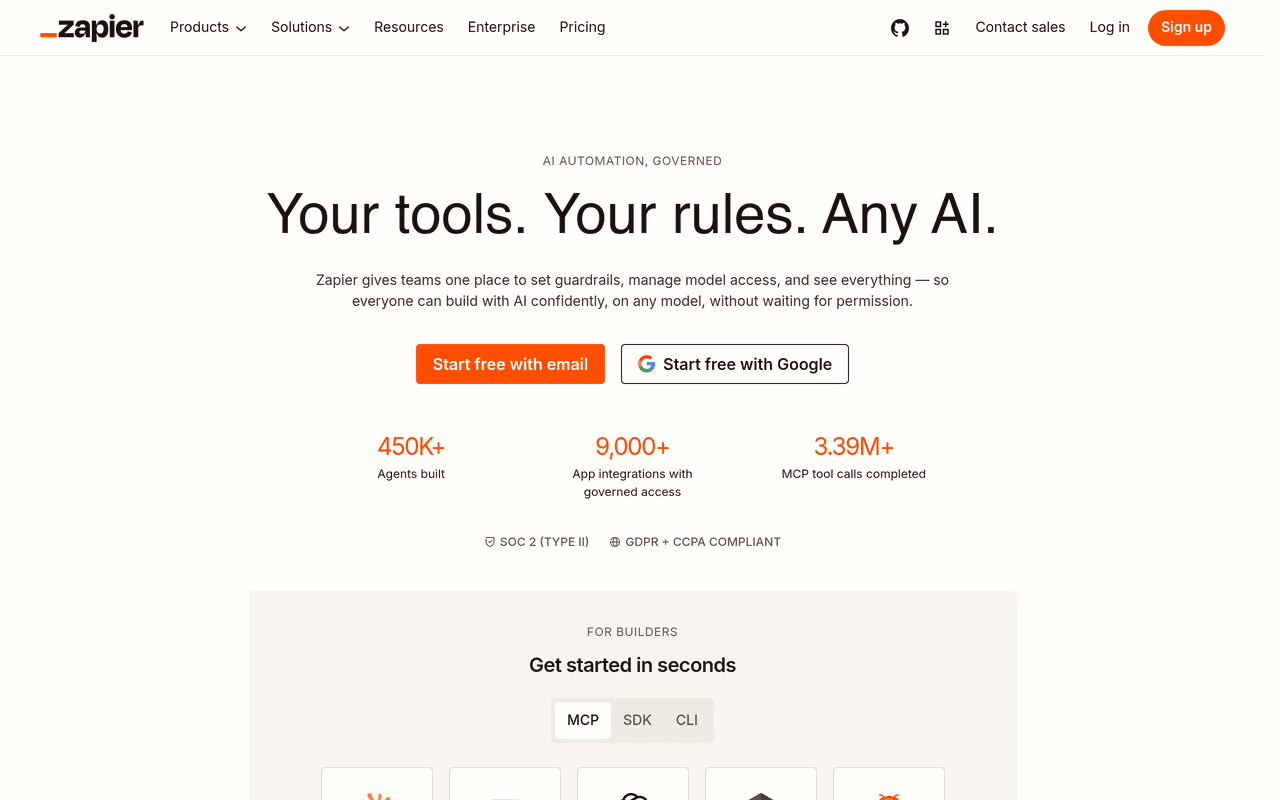
Zapier is the dominant AI agent platform for non-technical teams, offering the largest integration ecosystem in the automation space with 8,000+ app connections. In 2025-2026, Zapier evolved beyond simple trigger-action automations with the launch of Zapier Agents -- autonomous AI agents that can reason through multi-step workflows, make decisions based on context, and execute complex business processes without human intervention. The AI Copilot feature allows users to describe workflows in plain English and have them built automatically.
ZAPIER PLATFORM OVERVIEW
| Feature | Detail |
|---|---|
| App integrations | 8,000+ native connectors across SaaS, databases, APIs |
| Zapier Agents | Autonomous multi-step AI agents with reasoning and tool use |
| AI Copilot | Natural language workflow builder -- describe what you need, get a working Zap |
| Pricing model | Per-task pricing: Free (100 tasks/mo), Pro $19.99/mo (750 tasks) |
| Canvas | Visual drag-and-drop workflow editor with branching and loops |
| Enterprise features | SSO, RBAC, admin console, audit logs, 99.9% SLA |
Zapier's per-task pricing model is predictable for small teams but can become expensive at high volume -- a team running 50,000 tasks per month will pay significantly more than equivalent usage on n8n or Make. The platform does not support self-hosting, which limits its fit for organizations with strict data residency requirements. However, for the majority of business teams that need reliable, no-code automation with the broadest possible app coverage, Zapier remains the clear market leader.
Pros
Largest integration library in the industry (8,000+ apps). AI Copilot eliminates the learning curve for new users. Zapier Agents enable truly autonomous multi-step workflows. Excellent reliability and uptime track record.
Cons
Per-task pricing scales poorly at high volumes. No self-hosting option. Limited flexibility for complex conditional logic compared to code-based platforms.
Best for: Non-technical teams, marketing operations, RevOps, and any organization that needs to connect a wide array of SaaS tools without writing code. Pricing: Free tier (100 tasks/mo), Pro $19.99/mo, Team $69/mo, Enterprise custom.
n8n
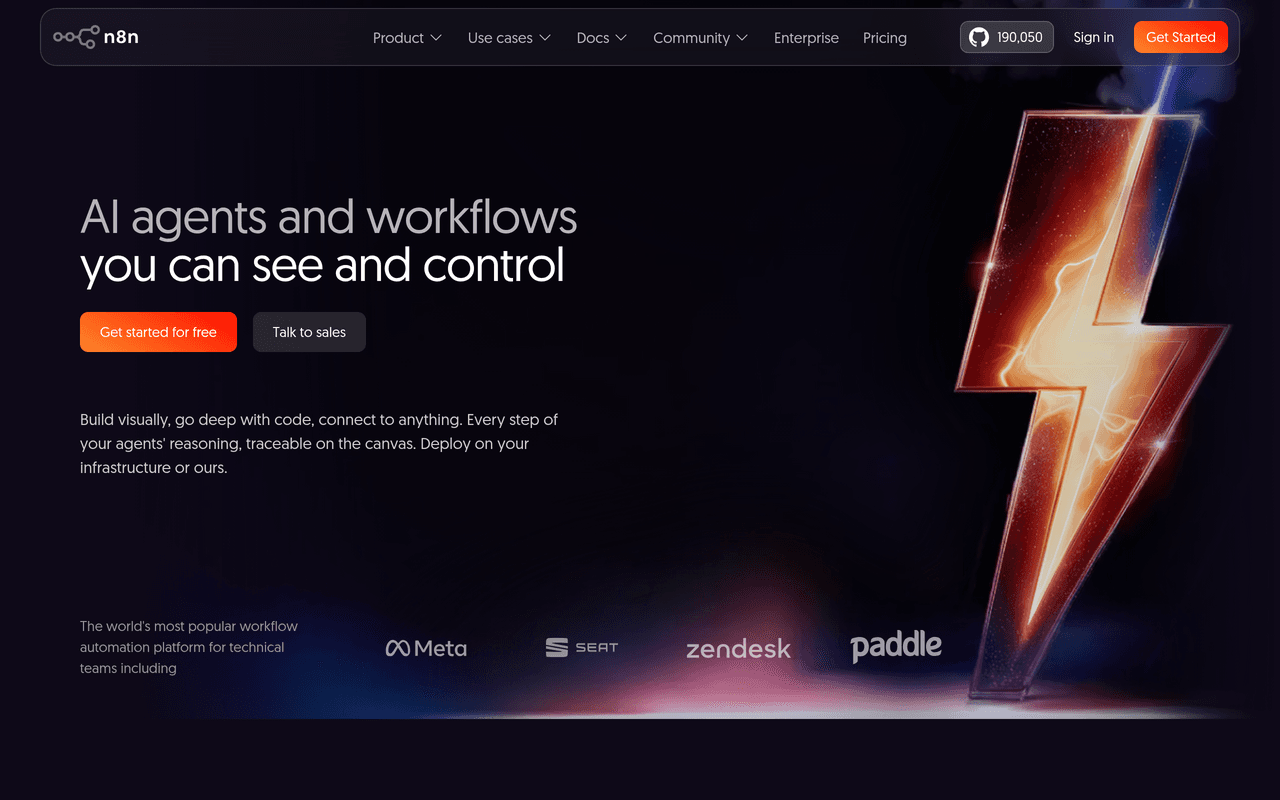
n8n is the leading self-hostable AI workflow automation platform, built for technical teams that need full control over their automation infrastructure and data. With 170,650+ GitHub stars, it is one of the most popular open-source automation projects in the world. n8n's fair-code license allows unlimited self-hosted usage for internal purposes, making it the go-to choice for organizations that cannot send sensitive data to third-party cloud services.
n8n AI CAPABILITIES
| Capability | Detail |
|---|---|
| AI nodes | 70+ dedicated AI nodes for LLM chains, RAG, embeddings, agents |
| LangChain integration | Native LangChain support for building complex AI agent pipelines |
| LLM support | OpenAI, Anthropic, Google Gemini, Ollama (local), Mistral, and more |
| Vector stores | Pinecone, Qdrant, Supabase, pgvector, Weaviate integration |
| Self-hosting | Docker, Kubernetes, any Linux server -- full data sovereignty |
| Pricing | Self-hosted free (fair-code), Cloud from $20/mo (per-execution) |
n8n's AI capabilities are the most advanced of any visual workflow builder. The platform provides 70+ dedicated AI nodes covering LLM chains, retrieval-augmented generation (RAG), embedding generation, text classification, summarization, and autonomous agent loops with tool use. Native LangChain integration means developers can build the same sophisticated agent architectures available in Python code, but with a visual interface and built-in error handling. The ability to run local LLMs via Ollama on the same self-hosted infrastructure eliminates API costs entirely for high-volume AI workloads.
The learning curve is steeper than Zapier or Make -- n8n is designed for developers and technical operations teams who are comfortable with JSON, APIs, and JavaScript/Python code nodes. The community (170,650+ GitHub stars) provides extensive workflow templates, but the platform rewards users who can write custom logic.
Pros
Full self-hosting with data sovereignty. Native LangChain integration for advanced AI agents. 70+ AI nodes covering the full LLM pipeline. Per-execution pricing is cost-effective at scale. Massive open-source community.
Cons
Steeper learning curve than no-code alternatives. Fewer native app integrations than Zapier (400+ vs 8,000+). Self-hosted deployments require DevOps capability.
Best for: Technical teams, AI engineers, DevOps teams, and any organization that needs self-hosted AI automation pipelines with full data control. Pricing: Self-hosted free (fair-code license), Cloud Starter $20/mo, Pro $50/mo, Enterprise custom.
Make
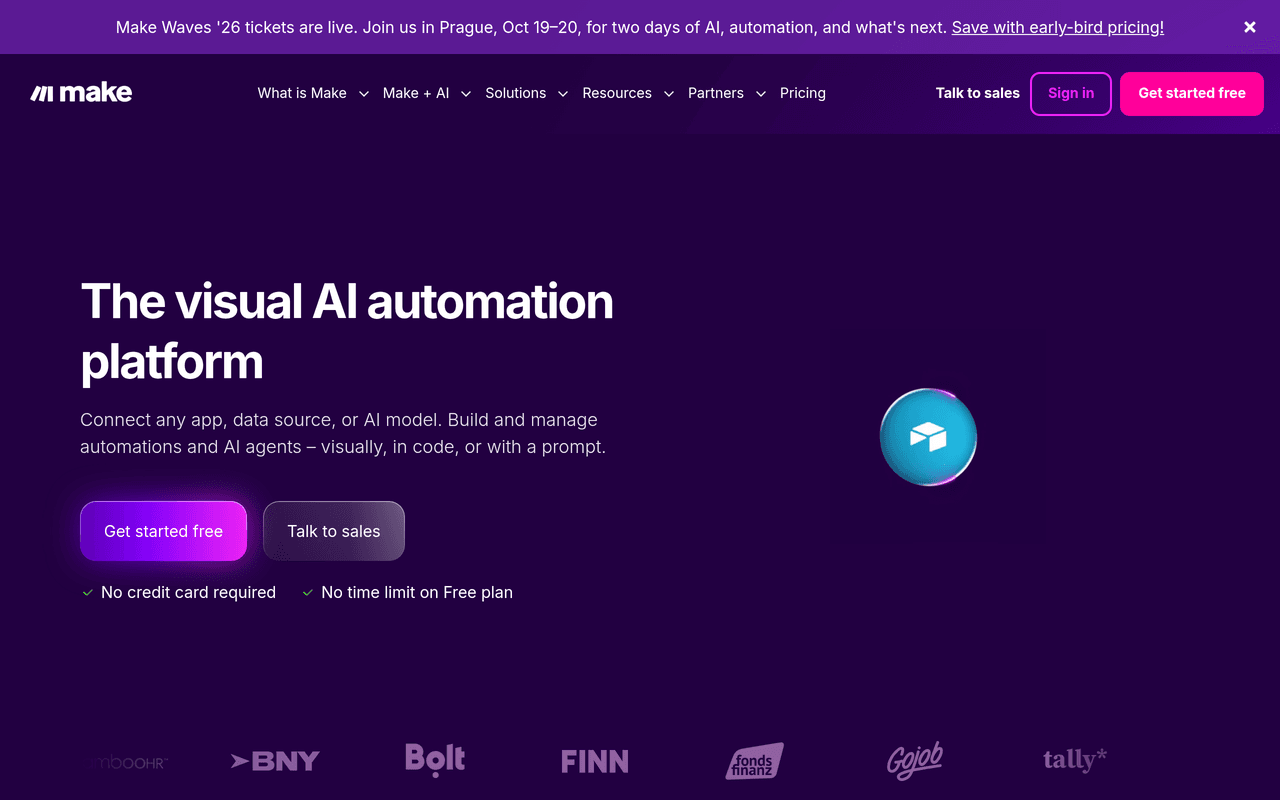
Make (formerly Integromat) is the best visual workflow builder for teams that want sophisticated automation logic at the lowest cost entry point in the category. With 3,000+ app integrations, an intuitive drag-and-drop scenario builder, and pricing that starts at just $9/month for 10,000 operations, Make delivers exceptional value for small and mid-size teams. The 2025 launch of Maia, Make's AI assistant, enables users to build and troubleshoot scenarios using natural language.
MAKE PLATFORM OVERVIEW
| Feature | Detail |
|---|---|
| App integrations | 3,000+ native connectors plus custom HTTP/webhook modules |
| Maia AI assistant | Natural language scenario builder and debugger |
| Visual builder | Industry-leading drag-and-drop scenario editor with branching, routers, iterators |
| Pricing | Free (1,000 ops/mo), Core $9/mo (10,000 ops), Pro $16/mo, Teams $29/mo |
| Data residency | EU and US data center options, GDPR compliant |
| Error handling | Built-in error routes, retry logic, break modules, and watchdog patterns |
Make's visual scenario builder is widely regarded as the most intuitive in the category -- complex branching logic, parallel execution paths, and iterators are represented clearly in the visual canvas, making it easier to understand and debug multi-step workflows than competing platforms. The operation-based pricing model (where each action within a scenario counts as one operation) is transparent and highly cost-effective for teams running moderate-volume automations. GDPR compliance with EU data residency options makes Make a strong choice for European organizations.
The primary limitation is that Make's AI agent capabilities are less mature than Zapier Agents or n8n's LangChain integration. Maia is effective as a builder assistant but does not yet support fully autonomous agent architectures. For teams that need deterministic, visual workflows with AI-assisted steps rather than autonomous agents, Make is the best value proposition in the market.
Pros
Best visual workflow builder in the category. Lowest cost entry point ($9/mo for 10,000 operations). GDPR compliant with EU data center options. Maia AI assistant simplifies scenario creation. Excellent error handling and debugging tools.
Cons
AI agent capabilities less mature than Zapier or n8n. No self-hosting option. Operations-based pricing can be confusing for complex multi-step scenarios.
Best for: Small and mid-size teams, agencies, and European businesses that need sophisticated visual automation at the lowest possible cost. Pricing: Free (1,000 ops/mo), Core $9/mo, Pro $16/mo, Teams $29/mo, Enterprise custom.
Relevance AI
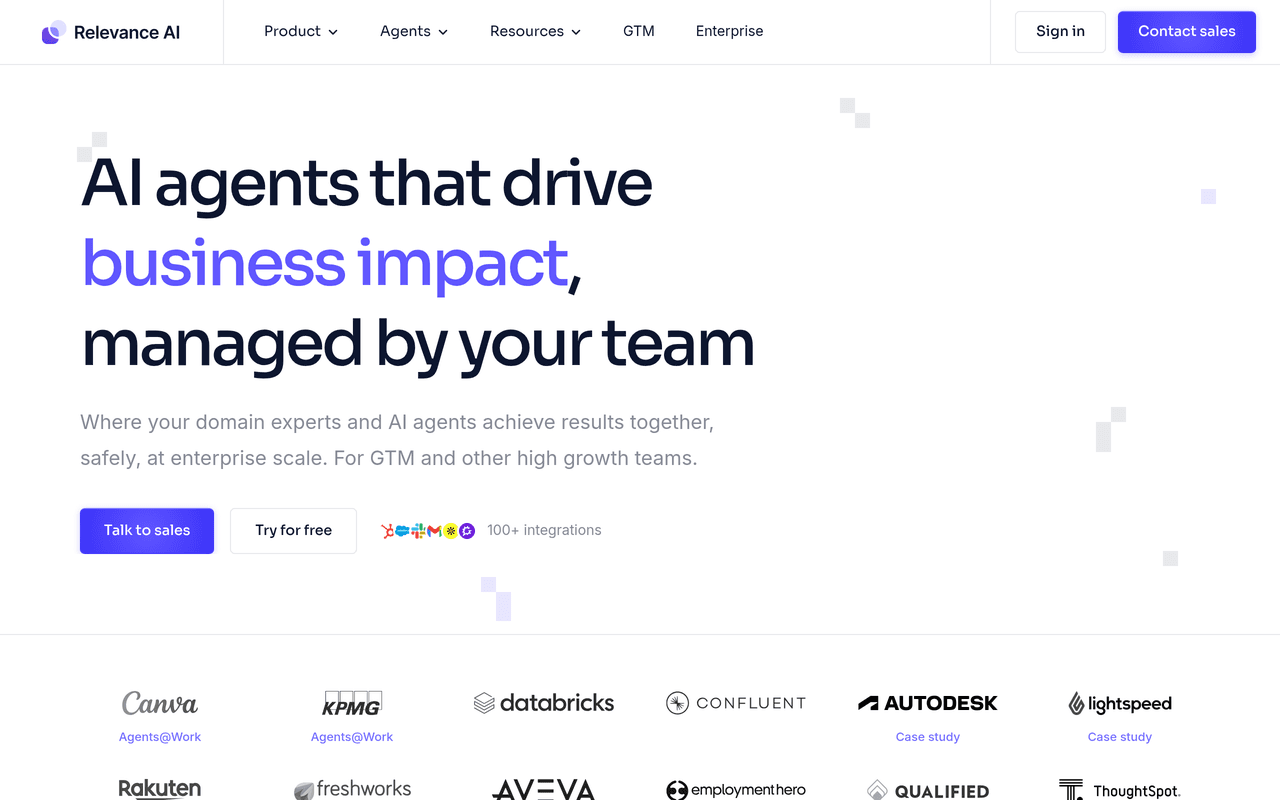
Relevance AI is the most advanced multi-agent orchestration platform in this ranking, purpose-built for enterprises that need teams of AI agents working together on complex business processes. Unlike workflow automation tools that added AI features incrementally, Relevance AI was designed from the ground up around agent architectures -- agents that can reason, use tools, collaborate with other agents, and escalate to humans when confidence is low.
RELEVANCE AI CAPABILITIES
| Capability | Detail |
|---|---|
| Multi-agent orchestration | Teams of specialized agents collaborating on complex tasks |
| No-code agent builder | Visual interface for creating agents without programming |
| Tool library | 3,000+ pre-built tools agents can use autonomously |
| Human-in-the-loop | Automatic escalation when agent confidence drops below threshold |
| Enterprise clients | Canva, Autodesk, Franke, and mid-market SaaS companies |
| Deployment | Cloud-hosted, SOC 2 compliant, enterprise security controls |
Relevance AI's core differentiator is its multi-agent architecture. Instead of building single-agent workflows, teams create specialized agents (research agent, writing agent, QA agent, outreach agent) that collaborate through an orchestration layer. This mirrors how high-performing human teams operate -- with specialists handling their domains and a coordinator ensuring the overall process moves forward. The platform includes 3,000+ pre-built tools that agents can select and use autonomously based on the task at hand.
The platform is designed for mid-market and enterprise use cases, with clients including Canva and Autodesk. The no-code agent builder makes it accessible to business users, but the full power of the multi-agent orchestration layer is best leveraged by teams with a clear understanding of their business process architecture. Pricing is custom and tends to be higher than general-purpose automation tools, reflecting the enterprise positioning.
Pros
Most advanced multi-agent orchestration in the category. No-code agent builder accessible to business users. 3,000+ pre-built tools for agent autonomy. Strong enterprise client roster (Canva, Autodesk). Human-in-the-loop escalation prevents agent errors.
Cons
Custom pricing limits transparency. Steeper conceptual learning curve (multi-agent thinking). No self-hosting option. Smaller community than open-source alternatives.
Best for: Mid-market and enterprise organizations that need teams of AI agents collaborating on complex, multi-step business processes. Pricing: Custom pricing, contact sales.
Activepieces
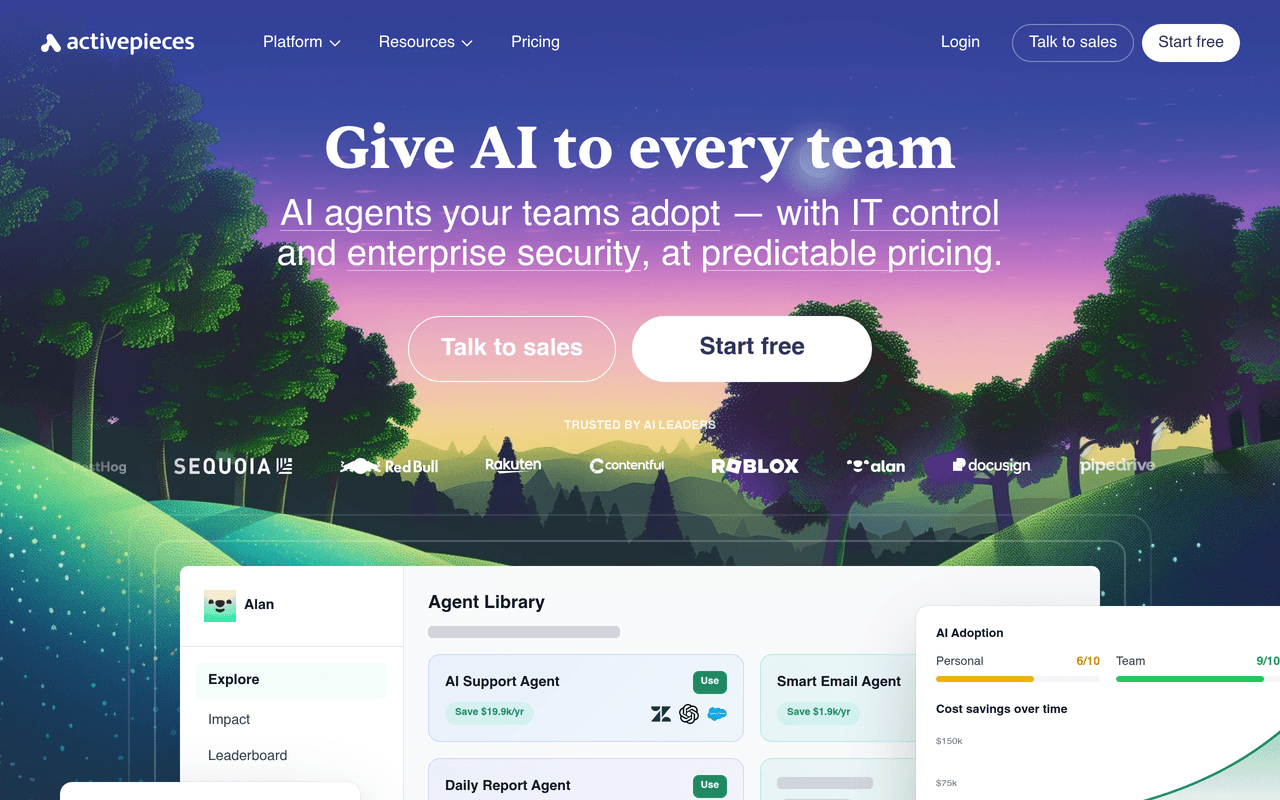
Activepieces is the only MIT-licensed open-source automation platform in this ranking, making it the most permissive option for organizations that need full code ownership, unlimited modification rights, and zero vendor lock-in. With native Model Context Protocol (MCP) support, Activepieces is positioned at the forefront of the emerging AI agent interoperability standard. The platform is used by notable organizations including Sequoia Capital and Red Bull.
ACTIVEPIECES PLATFORM OVERVIEW
| Feature | Detail |
|---|---|
| License | MIT -- fully open source, no usage restrictions |
| MCP support | Native Model Context Protocol for AI agent interoperability |
| Self-hosting | Docker, Kubernetes -- completely free, unlimited |
| Piece ecosystem | 200+ integrations with community-contributed pieces growing fast |
| Notable users | Sequoia Capital, Red Bull, and growing enterprise adoption |
| Pricing | Self-hosted free forever, Cloud ~$5/flow/month |
Activepieces' MIT license is a significant differentiator. Unlike n8n's fair-code license (which restricts commercial redistribution) or proprietary platforms, MIT licensing means organizations can fork, modify, embed, and redistribute Activepieces without any licensing constraints. This makes it the strongest choice for SaaS companies that want to embed automation capabilities into their own products, or for enterprises that require complete code audit capability for compliance reasons.
The native MCP (Model Context Protocol) support is forward-looking -- MCP is emerging as the standard protocol for AI agents to discover and use tools across different platforms, and Activepieces is among the first automation platforms to implement it. This positions Activepieces well for the multi-agent future where agents need to interoperate across organizational boundaries. The integration ecosystem (200+ pieces) is smaller than Zapier or Make, but growing rapidly through community contributions.
Pros
MIT license -- most permissive open-source option available. Native MCP support for AI agent interoperability. Completely free self-hosting with no usage limits. Clean, modern UI that rivals commercial platforms. Strong enterprise adoption (Sequoia, Red Bull).
Cons
Smaller integration ecosystem than Zapier, Make, or n8n. Younger platform with less battle-tested production history. Community smaller than n8n's established base.
Best for: Organizations that need MIT-licensed, fully open-source automation with MCP support for AI agent interoperability, or SaaS companies embedding automation into their products. Pricing: Self-hosted free, Cloud ~$5/flow/month.
Lindy AI
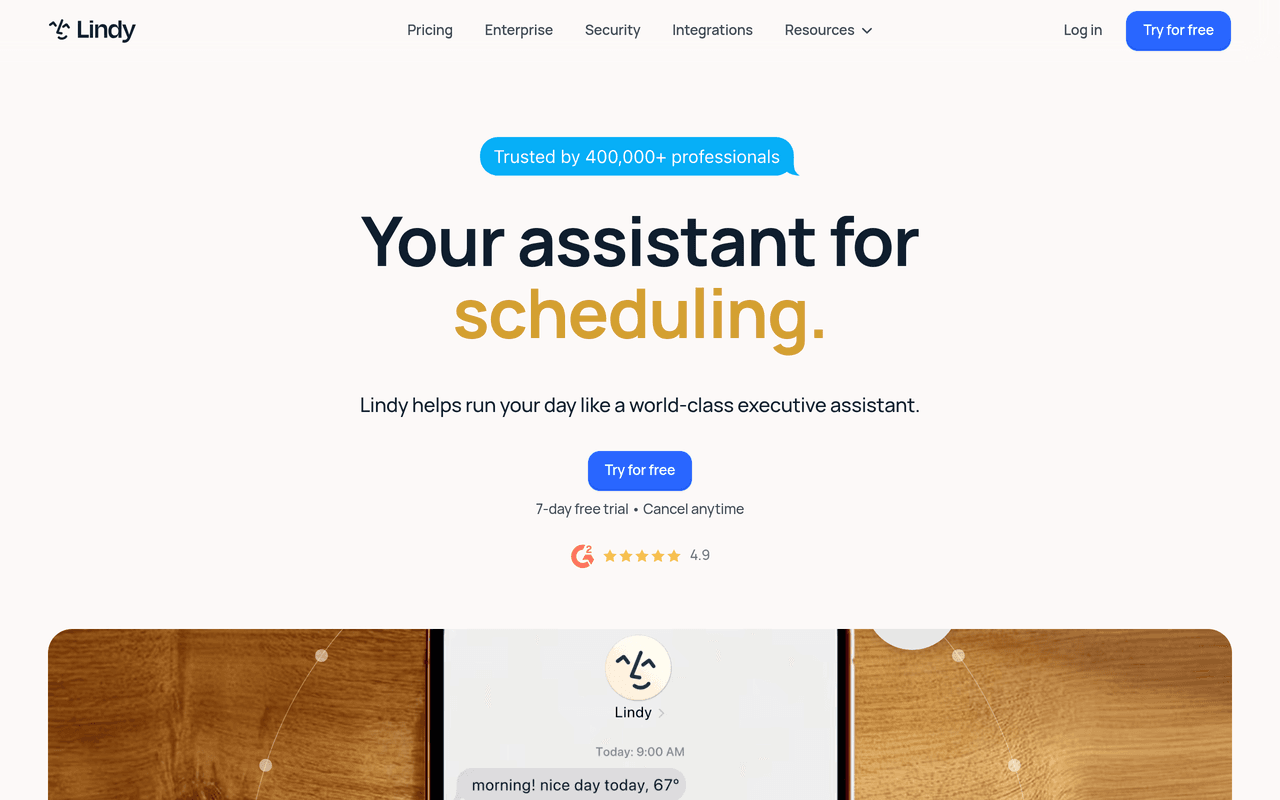
Lindy AI takes a fundamentally different approach to business automation -- instead of building workflows between apps, you create personal AI assistants called "Lindies" that handle entire job functions autonomously. Each Lindy is a specialized agent trained on a specific domain (email management, meeting scheduling, research, customer support, sales follow-up) that learns from your behavior and preferences over time. This makes Lindy AI the strongest option for individual professionals and small teams that want AI assistants rather than workflow automation.
LINDY AI CAPABILITIES
| Feature | Detail |
|---|---|
| Agent model | Personal AI assistants ("Lindies") for specific job functions |
| Email management | Draft replies, triage inbox, follow up on threads autonomously |
| Meeting scheduling | Coordinate availability, send invites, prepare agendas |
| Research | Web research, competitor monitoring, market intelligence gathering |
| Learning | Adapts to your preferences and communication style over time |
| Pricing | From $49.99/month with usage-based credits |
Lindy AI's personal assistant approach is particularly effective for executives, founders, and knowledge workers who spend significant time on email, scheduling, and research. Instead of configuring triggers and actions, users describe what they want their Lindy to do in natural language, and the agent handles execution autonomously. Lindies can be chained together -- a research Lindy feeds findings to a writing Lindy that drafts a report, which is then sent by an email Lindy.
The trade-off is scope. Lindy AI is not designed as a general-purpose automation platform -- it does not compete with Zapier's 8,000+ integrations or n8n's self-hosted infrastructure. It is purpose-built for personal productivity automation, and it does that specific job exceptionally well. The $49.99/month starting price is higher than Make or Activepieces but reflects the AI compute costs of running persistent personal agents.
Pros
Best personal AI assistant experience in the category. Natural language configuration -- no technical skills required. Agents learn and improve from user behavior over time. Effective for high-value tasks (email, scheduling, research). Agent chaining enables multi-step autonomous workflows.
Cons
Not a general-purpose automation platform. Limited integration ecosystem compared to Zapier or Make. Higher price point than workflow-focused alternatives. No self-hosting option.
Best for: Executives, founders, knowledge workers, and small teams that want personal AI assistants for email, scheduling, and research rather than workflow automation. Pricing: From $49.99/month.
Microsoft Power Automate
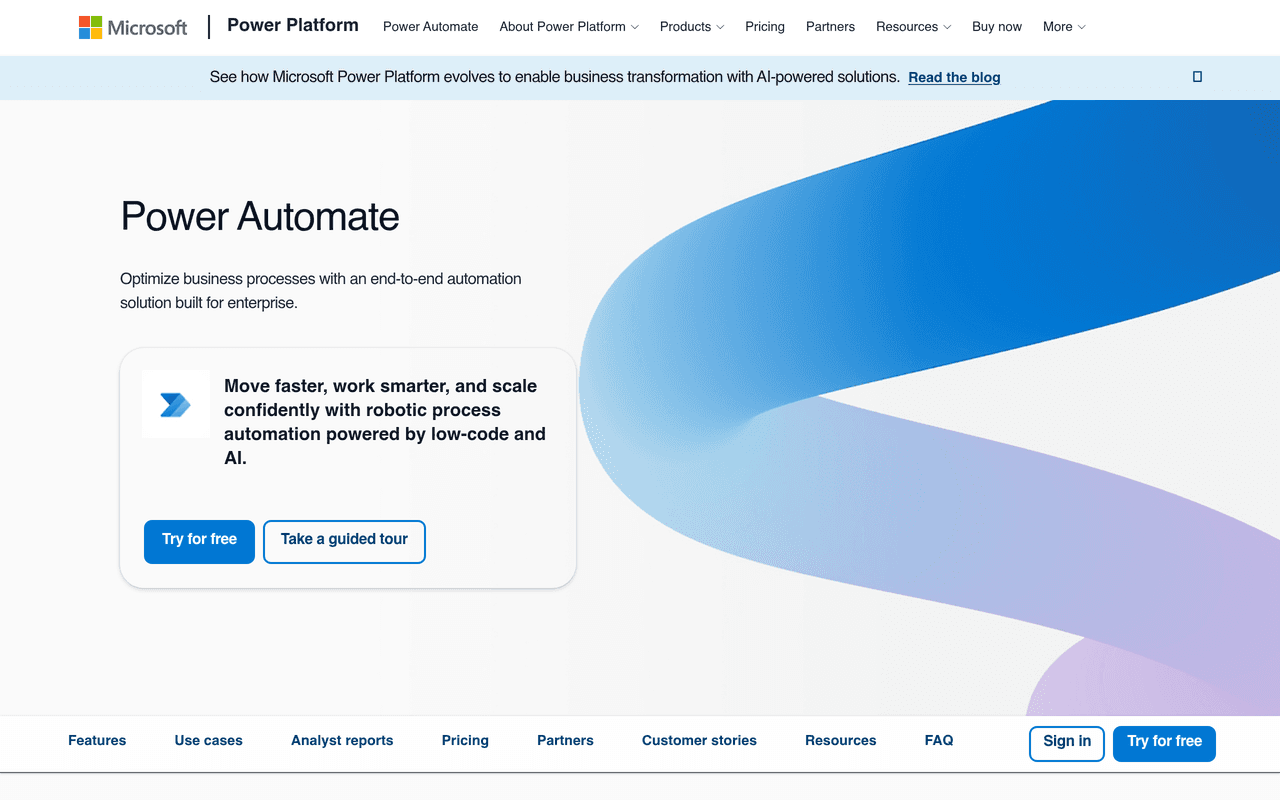
Microsoft Power Automate is the natural AI agent platform for organizations deeply embedded in the Microsoft 365 ecosystem. With native integration into Excel, SharePoint, Teams, Outlook, Dynamics 365, and Azure, Power Automate eliminates the integration complexity that other platforms face when connecting Microsoft services. The platform combines cloud-based workflow automation with desktop RPA (Robotic Process Automation) and AI Builder, making it the most comprehensive automation suite for enterprise Microsoft environments.
POWER AUTOMATE CAPABILITIES
| Capability | Detail |
|---|---|
| Microsoft 365 integration | Native connectors for Excel, SharePoint, Teams, Outlook, Dynamics 365 |
| Desktop RPA | Record and automate desktop application actions (legacy systems, SAP, etc.) |
| AI Builder | Pre-built AI models for document processing, sentiment analysis, object detection |
| Copilot integration | Build flows using natural language through Microsoft Copilot |
| Connectors | 1,000+ connectors including premium connectors for SAP, Salesforce, Oracle |
| Pricing | Free with M365, Premium $15/user/mo, Process $150/bot/mo |
Power Automate's unique strength is the combination of cloud automation and desktop RPA in a single platform. While Zapier and Make are cloud-only, Power Automate Desktop can record and replay actions in legacy desktop applications -- SAP, Oracle, custom internal tools, and any Windows application. This makes it the only platform in this ranking that can automate both modern SaaS workflows and legacy system processes without separate tooling.
AI Builder adds pre-trained AI models for common enterprise tasks: invoice processing, receipt scanning, sentiment analysis, text classification, and object detection in images. The Microsoft Copilot integration allows users to describe flows in natural language and have them generated automatically. For organizations already paying for Microsoft 365 E3/E5 licenses, basic Power Automate capabilities are included at no additional cost -- premium features (including desktop RPA and premium connectors) require the $15/user/month license.
The limitation is ecosystem dependency. Power Automate is most effective when your tech stack is Microsoft-centric. Organizations using Google Workspace, Slack, or non-Microsoft infrastructure will find the integration experience less polished than Zapier or Make for those specific services.
Pros
Deepest Microsoft 365 integration of any automation platform. Desktop RPA for legacy application automation. AI Builder with pre-trained enterprise AI models. Included with many Microsoft 365 licenses (basic tier). Enterprise security, compliance, and governance built in.
Cons
Best value only within Microsoft-centric environments. Per-user pricing can be expensive at scale. Desktop RPA requires Windows. UI less intuitive than Make or Zapier for non-Microsoft workflows.
Best for: Enterprise organizations running Microsoft 365, Dynamics 365, and Azure that need to automate both cloud workflows and legacy desktop applications. Pricing: Included with M365 (basic), Premium $15/user/mo, Process $150/bot/mo.
Frequently Asked Questions
What is an AI agent for business automation?
An AI agent for business automation is software that uses large language models (LLMs) to autonomously reason through multi-step business processes, make decisions based on context, use tools and integrations, and execute workflows without constant human supervision. Unlike traditional automation (if-this-then-that), AI agents can handle novel situations, adapt to changing inputs, and escalate to humans when confidence is low.
What is the best AI agent platform for non-technical teams in 2026?
Zapier is the best AI agent platform for non-technical teams in 2026. With 8,000+ app integrations, an AI Copilot that builds automations from plain English, and Zapier Agents for autonomous multi-step workflows, it provides the lowest barrier to entry with the broadest integration coverage. The Pro plan starts at $19.99/month for 750 tasks.
Which AI automation platform can be self-hosted?
n8n and Activepieces are the two AI automation platforms that support self-hosting. n8n uses a fair-code license and can be deployed via Docker or Kubernetes with unlimited usage for internal purposes. Activepieces uses an MIT license (the most permissive open-source license) and can also be self-hosted for free with no usage restrictions. Both support full data sovereignty for organizations with strict data residency requirements.
How much do AI agent platforms cost in 2026?
AI agent platform pricing varies widely by model. Make offers the lowest paid entry point at $9/month for 10,000 operations. Zapier Pro starts at $19.99/month (per-task pricing). n8n Cloud starts at $20/month (per-execution). Microsoft Power Automate Premium costs $15/user/month. Lindy AI starts at $49.99/month. Activepieces is free when self-hosted. Relevance AI uses custom enterprise pricing. Self-hosted n8n and Activepieces are free with no usage limits.
What is the difference between workflow automation and AI agents?
Traditional workflow automation follows predetermined rules: if trigger X occurs, execute action Y. AI agents use LLMs to reason through problems dynamically -- they can interpret unstructured inputs, decide which tools to use, handle exceptions without pre-programmed rules, and learn from outcomes. In 2026, most platforms offer both: deterministic workflows for predictable processes and AI agents for tasks requiring judgment and adaptation.
About Geeky Expert
Geeky Expert is a leading provider of research and insights, dedicated to helping businesses make informed decisions through comprehensive analysis.