
Best Video SOP Software (2026)
What Is Video SOP Software?
Video SOP software converts screen recordings, process videos, and workflow captures into structured standard operating procedures that employees actually follow. Unlike static PDFs, text-heavy wikis, or raw screen recordings, video SOP platforms produce organised, step-by-step documentation combining video, text instructions, screenshots, multilingual narration, and interactive elements -- all from a single recording session.
The category exists because of one persistent problem: most companies write SOPs that nobody reads. Text-heavy PDFs and Word documents get skipped; long training sessions get forgotten. The 2026 shift is toward video-based SOPs -- structured, visual, multilingual guides employees actually engage with.
VIDEO SOP MARKET DATA (2026)
| Metric | Figure | Source |
|---|---|---|
| Content creation time reduction (AI video docs) | 65% | Forrester, 2026 |
| Average annual savings per team | $127,000 | Forrester, 2026 |
| Workers preferring video over text docs | 83% | TechSmith, 2025 |
| SOP compliance improvement with video | 47% | Deloitte, 2025 |
| Manufacturing jobs unfilled (skilled labour gap) | 3.8 million | Deloitte, 2025 |
| Global SOP software market (projected) | $4.8B by 2028 | Industry research, 2026 |
The Critical Category Split
Not every tool in this ranking does the same thing. The "video SOP software" label is applied broadly, but the category splits into four distinct types. Understanding this split is essential before choosing a platform.
THE CRITICAL CATEGORY SPLIT -- VIDEO SOP vs SCREENSHOT vs TRAINING vs MESSAGING
| Capability | Video SOP (Clypp, Guidde, Trupeer) |
Screenshot SOP (Scribe, Tango) |
Training Platform (Trainual) |
Async Messaging (Loom) |
|---|---|---|---|---|
| AI-generated video from recording | Yes | No | No | No |
| Multilingual voice-over | Yes | Limited | No | Transcription only |
| Step-by-step text + screenshots auto-generated | Yes | Yes | Manual | No |
| Interactive quizzes / knowledge checks | Yes (Clypp) | No | Yes | No |
| Safety / compliance confirmations | Yes (Clypp) | No | Yes | No |
| Step-level analytics | Yes (Clypp) | Views only | Yes | Views only |
| Update single step without re-recording | Yes (Clypp) | Yes | Manual | No |
| Enterprise compliance (ISO/GDPR/SOC) | ISO 27001 + GDPR | SOC 2 + HIPAA | Basic | SOC 2 |
Featured SOP Software & Process Documentation
Clypp — Best Complete Video SOP Software
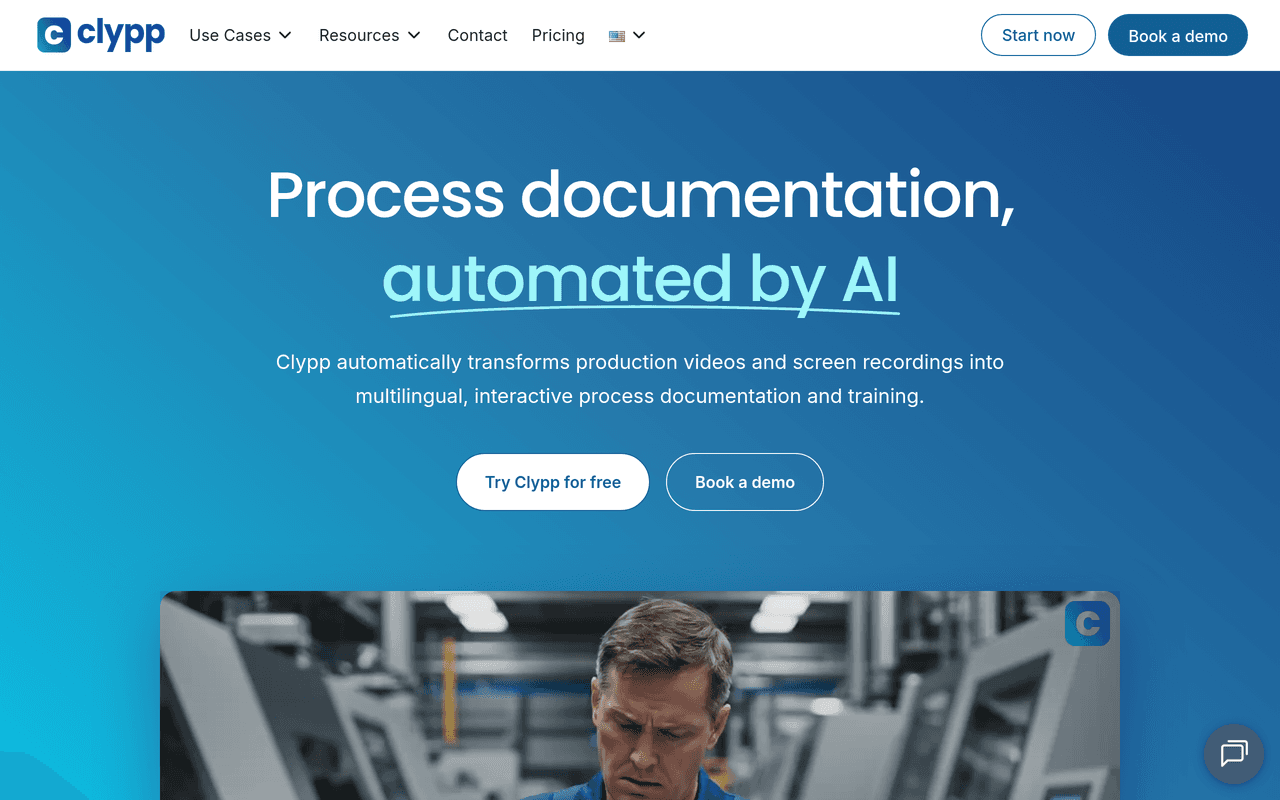
Clypp is the most complete video SOP software available -- and the tool that most directly solves the SOP adoption problem. It converts any screen recording or process video into a fully structured SOP with AI: automatically generating the video, step-by-step text instructions, screenshots per step, subtitles, multilingual voice-over, and interactive quizzes -- in one workflow, with no video editing skills required.
THE CLYPP 5-STEP WORKFLOW
| Step | Action | Detail |
|---|---|---|
| 1. CAPTURE | Record process steps | Screen, webcam, smartphone, or GoPro |
| 2. ENHANCE | AI generates video | Automatically adds multilingual voice-overs |
| 3. DOCUMENT | Work instruction created | Text + images auto-generated per step |
| 4. ENRICH | Add interactive elements | Checklists, safety confirmations, quizzes |
| 5. DISTRIBUTE | Deploy to workforce | Tablets, shop-floor monitors, or export in various formats |
CLYPP KEY FEATURES
| Feature | Detail |
|---|---|
| AI video generation | From any screen, smartphone, or GoPro recording |
| Multilingual voice-over | Automatic translation -- cuts translation costs by up to 99% |
| Step-by-step documentation | Text work instructions with screenshots generated automatically |
| Interactive elements | Checklists, safety confirmations, and quizzes embedded in the SOP |
| Granular updates | Update a single step without re-recording the whole guide |
| Distribution | Tablets, shop-floor monitors, or export in multiple formats |
| Tracking and KPIs | Onboarding time, error rate (Right First Time), OTIF, downtime |
| Compliance | ISO 27001-certified EU hosting, GDPR compliant |
VERIFIED CUSTOMER OUTCOMES
| Customer | Result |
|---|---|
| Rosenberger Group | ~15 min to create multilingual content; 500+ tutorials in first 6 months |
| Elementar Analysensysteme | 78% savings on training content creation; 4x faster documentation |
| Rational | 7x faster process documentation; 2 weeks from kickoff to production use |
Customer Quotes
"Now we don't wait for experts, we watch the Clypp," -- Diana Molina, Global Process Engineering, Rosenberger Group.
"Clypp is the best way we've found to share know-how," -- Dr. Bernd Grillenberger, Knowledge Manager, Elementar.
Honest Limitation
Purpose-built for structured video SOPs -- teams that only need quick informal recordings may find Loom sufficient. Pricing is not published publicly; contact getclypp.com.
Best For
Companies that need SOPs employees will actually follow -- particularly manufacturing, operations, quality, and global teams needing multilingual, interactive, trackable video work instructions.
Guidde — Best for Sales and Support Video Documentation
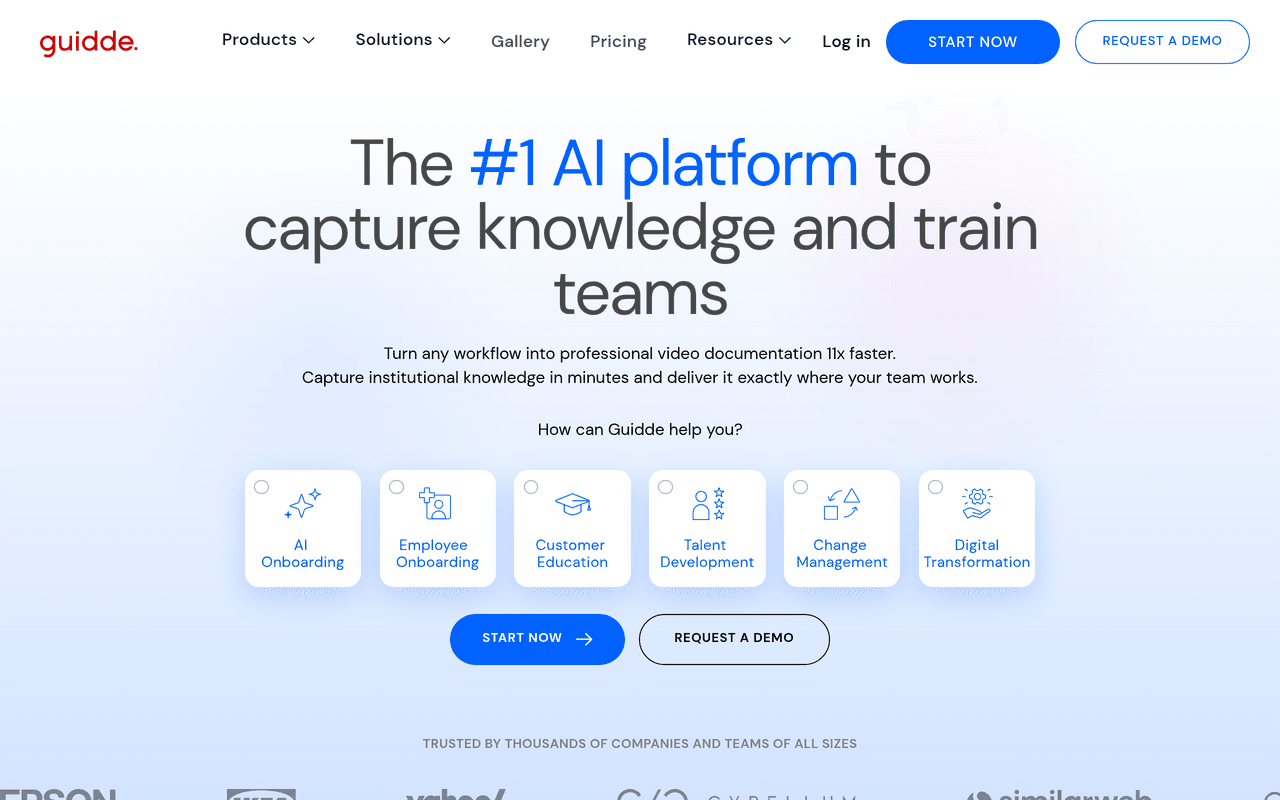
Strong AI video documentation platform focused on embedding video knowledge into business workflows -- deep integrations into Zendesk, Salesforce, Slack, Confluence. Guidde claims 11x faster video creation compared to manual approaches.
GUIDDE PLATFORM OVERVIEW
| Feature | Detail |
|---|---|
| AI video generation | AI-generated video guides from screen capture -- auto voiceover, auto-editing |
| AI voices | 200+ AI voices (Business tier), multilingual synthetic voice-over |
| Integrations | Deep: Zendesk, Salesforce, Slack, Confluence |
| Branded content | Custom branding on video documentation |
| Pricing | Free $0 (generous free tier), Pro ~$16/user/month, Business ~$39-$55/month (unlimited AI text-to-voice, 200+ voices) |
Guidde excels in the specific use case of creating video documentation that lives inside support and sales workflows. When a support agent resolves a complex issue, they can record the solution with Guidde and have it automatically converted into a shareable how-to video with AI narration -- no editing required. These videos can be embedded directly in Zendesk knowledge base articles, attached to Salesforce records, or shared via Slack, creating a growing library of visual documentation that deflects future tickets.
Honest Limitation
Per-creator pricing scales linearly -- costs grow with team size. AI voiceover with 200+ voices requires the Business tier. Strong for software/support documentation, but less suited for physical or shop-floor SOPs. No interactive quiz or safety-confirmation layer.
Best For
Customer support, sales enablement, and product marketing teams that need AI-generated video documentation integrated directly into their CRM, helpdesk, and communication tools.
Trupeer — Best for Polished AI Video Tutorials
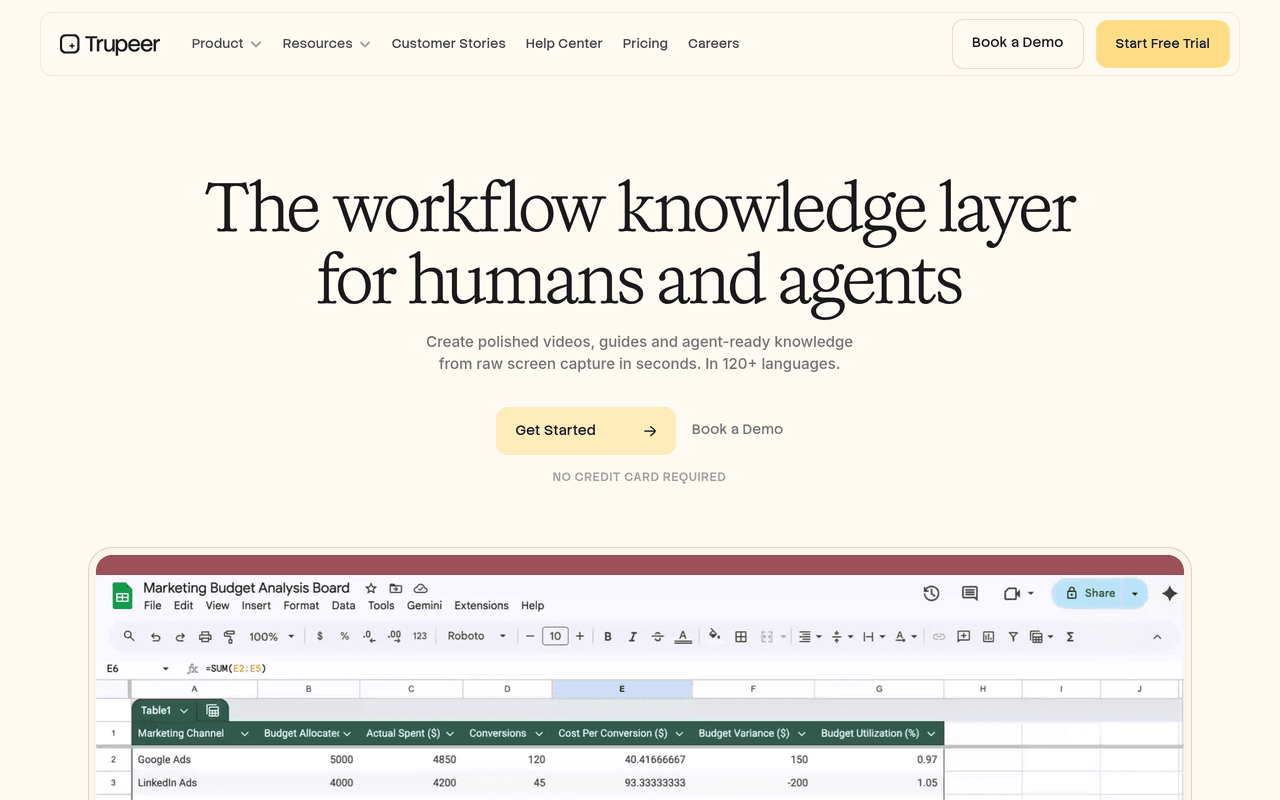
Trupeer transforms rough screen recordings into polished, professional-quality video tutorials using AI -- including AI avatar presenters. It eliminates the camera-shy barrier that prevents many subject-matter experts from creating video content.
TRUPEER PLATFORM OVERVIEW
| Feature | Detail |
|---|---|
| AI video generation | Professional editing from rough screen recordings |
| AI avatar presenters | Virtual human presenters -- no one needs to appear on camera |
| AI documentation | Documentation generation alongside video output |
| Translation | Translation and knowledge base features |
| Chrome extension | Browser-based capture for web workflows |
| Pricing | Per-creator pricing model |
Trupeer's AI avatar technology solves a specific problem that other video SOP tools do not address: the reluctance of subject-matter experts to appear on camera. Many organisations struggle with video documentation adoption because employees are uncomfortable recording themselves. Trupeer eliminates this barrier entirely -- the AI avatar provides a professional on-screen presence while the actual content creator only needs to perform the screen recording.
Honest Limitation
Focused on polishing recordings into standalone video assets rather than structured, interactive SOPs with quizzes, safety confirmations, or step-level tracking. Best for training videos and product marketing rather than operational SOP compliance.
Best For
Teams creating polished training videos, pre-sales content, and product marketing tutorials where professional presentation quality matters.
Scribe — Best for Text + Screenshot Step Guides
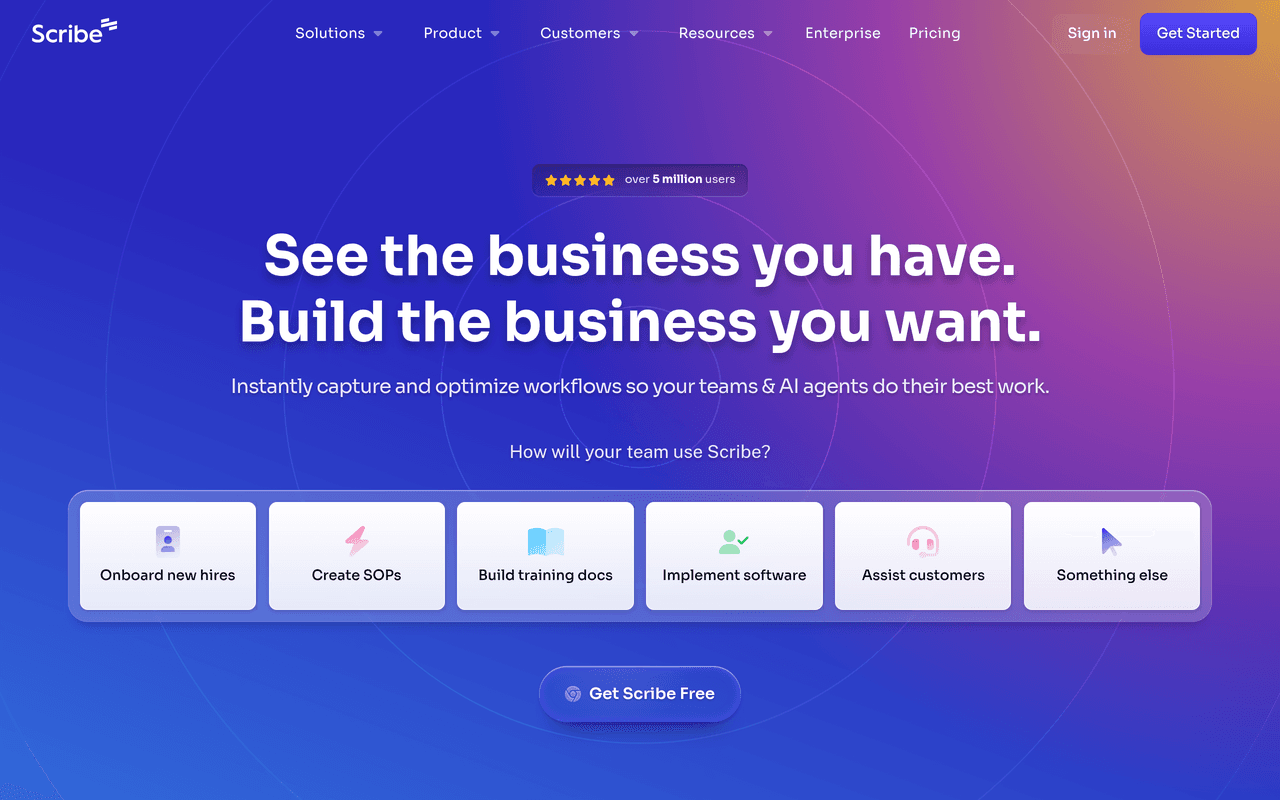
Scribe is the most established name in the SOP space -- but it creates screenshot-based step-by-step guides, NOT video SOPs. It captures clicks and keystrokes via browser extension, then generates a written guide with annotated screenshots. Important distinction: Scribe is not video SOP software. It is text-and-screenshot SOP software.
SCRIBE PLATFORM OVERVIEW
| Feature | Detail |
|---|---|
| Automatic step capture | Records clicks and keystrokes as annotated screenshots with text |
| Auto-redaction | Sensitive data automatically blurred in screenshots |
| Branding and export | Custom branding, PDF/HTML export, share via URL or embed |
| Compliance | SOC 2 Type II, HIPAA, CCPA |
| Scale | 5M+ users, 78,000+ organisations, 94% of Fortune 500 |
| Time savings | Users save ~41.6 hours/month on average |
| Pricing | Basic Free, Pro Personal ~$23-$29/user/month, Pro Team ~$12/user/month (annual, 5-seat min), Enterprise custom |
Scribe's strength is speed and simplicity for software process documentation. A user clicks "record," performs the workflow, and clicks "stop." Within seconds, Scribe produces a complete step-by-step guide with annotated screenshots and AI-written descriptions for each step. No video editing, no writing, no screenshot management.
Honest Limitation
Static text-heavy guides -- not video. Not suitable for physical or manual tasks where video provides significantly better context. The editor can feel clunky when reordering steps in longer guides. Per-creator costs add up for larger teams.
Best For
Teams documenting software processes who prefer text-and-screenshot guides -- especially regulated industries needing SOC 2/HIPAA compliance.
Tango — Best for Workflow-Capture Guides with Live Guidance
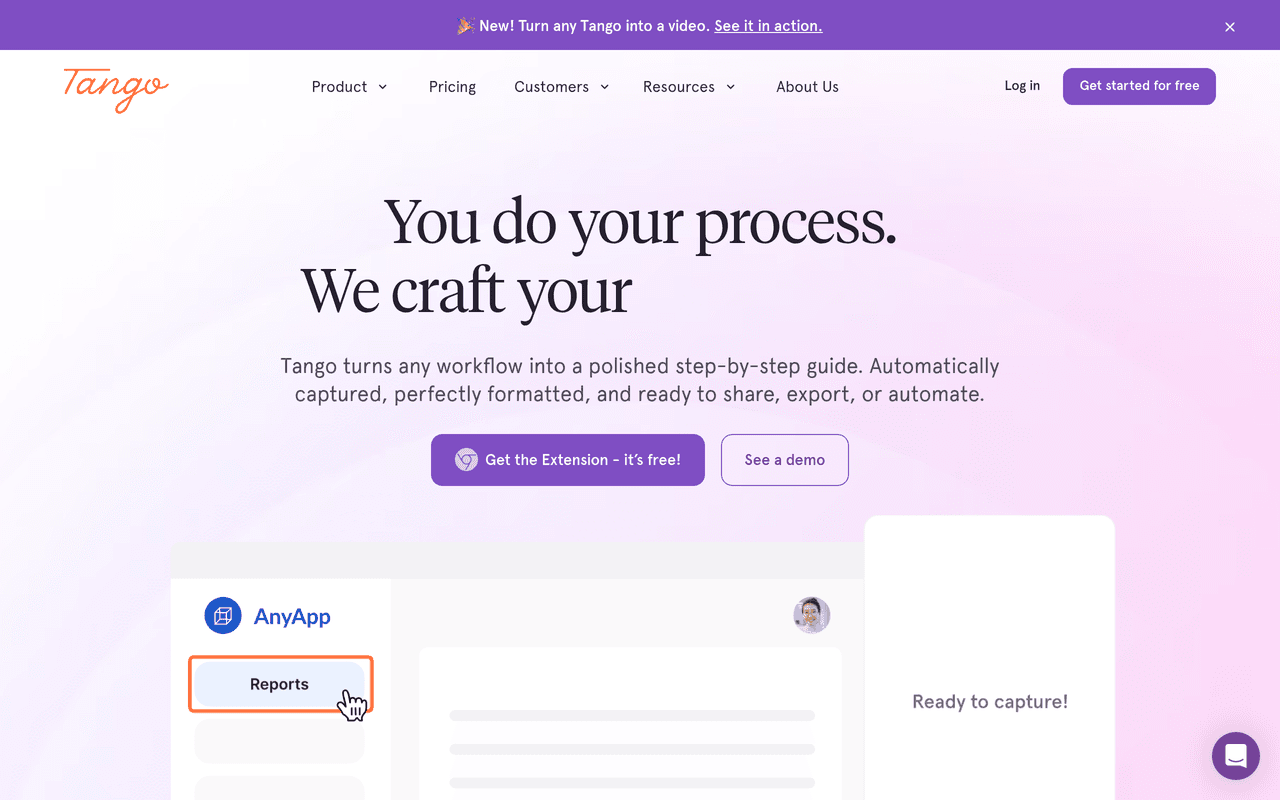
Tango instantly turns clicks into static step-by-step guides with a distinctive feature: "Tango Guidance" -- an overlay that walks employees through a process live, on-screen, inside the actual application they are using.
TANGO PLATFORM OVERVIEW
| Feature | Detail |
|---|---|
| Auto-capture | Turns clicks into step-by-step guides instantly |
| Tango Guidance | On-screen overlay walks users through processes live, in-app |
| Voice-to-step | Narrate your process; speech converted to step descriptions (Jan 2026) |
| Analytics | View count, completion rate |
| Integrations | Embed into Confluence, Notion, SharePoint, Zendesk, Guru; export HTML/PDF |
| Pricing | Free $0, Pro ~$22/user/month, Enterprise custom |
Tango Guidance is the standout feature that separates this platform from competitors. Instead of creating a document that sits in a knowledge base waiting to be found, Tango Guidance creates an interactive overlay that appears inside the actual application when a user needs help. This eliminates the gap between documentation and execution -- the user does not need to switch contexts between a guide and the software they are using.
Honest Limitation
Screenshot/static-guide-first, not video SOP. Strong for SaaS tool documentation and live workflow guidance; not designed for video-based or physical-process SOPs. No quiz or safety-confirmation layer.
Best For
Teams documenting software workflows who want live on-screen guidance overlays for training and software adoption.
Trainual — Best for Training and Onboarding Programmes
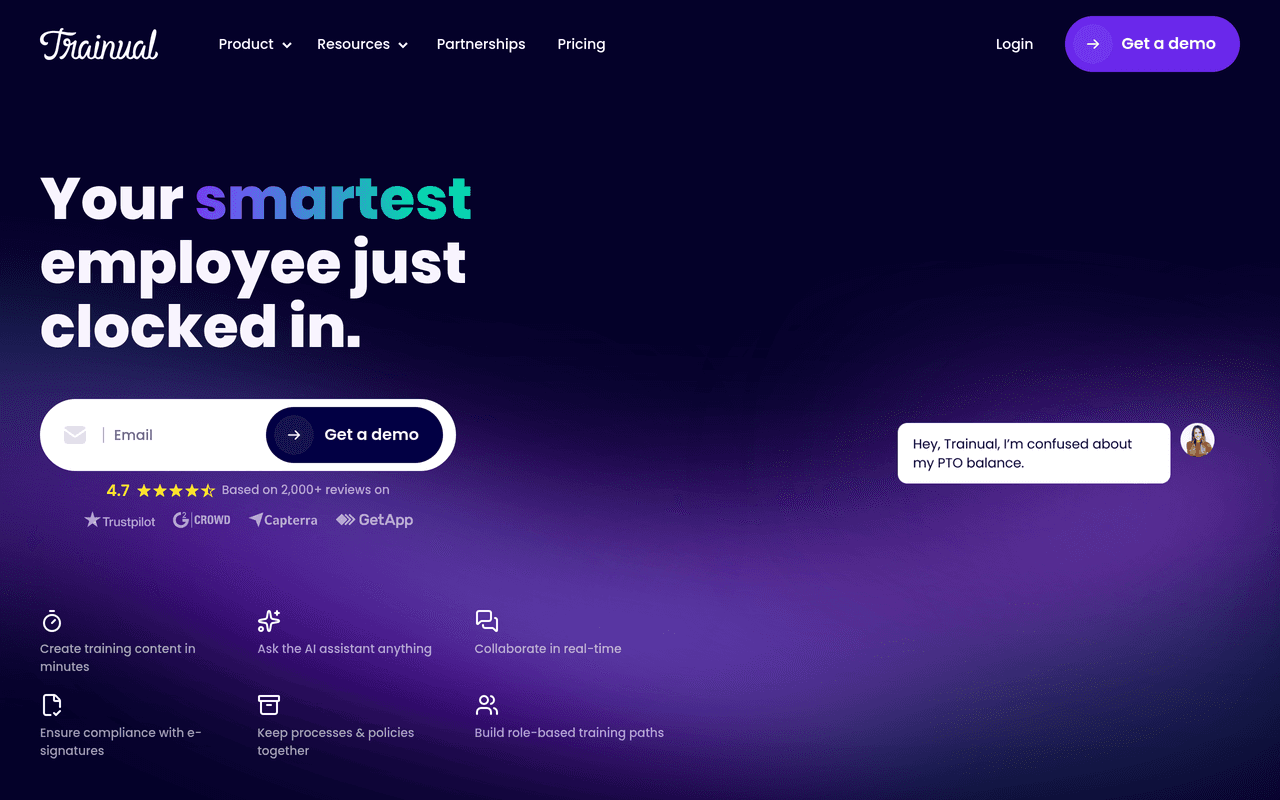
Trainual is an onboarding, training, and SOP platform -- closer to a lightweight LMS than a video SOP creation tool. It organises SOPs into structured learning paths with testing and progress tracking. 4.7/5 on G2 (984 reviews). Used by Stanford, RE/MAX, Design Pickle.
TRAINUAL PLATFORM OVERVIEW
| Feature | Detail |
|---|---|
| Centralised knowledge hub | All SOPs, policies, and training in one searchable location |
| AI content drafting | AI assists in drafting training content |
| Training paths | Assignments, testing, progress/completion tracking by role |
| E-signatures | Policy acknowledgment and sign-off |
| Version control | Pro tier -- track changes to SOPs over time |
| Multilingual | Premium tier only |
| Pricing | Core ~$49-$61/month starting, Pro higher (version control, industry content packs), Premium higher (multilingual), Enterprise custom. $1,000 implementation fee baseline. |
Trainual's positioning is distinct from pure documentation tools. While Scribe and Tango focus on capturing processes, Trainual focuses on ensuring those processes are learned, understood, and followed. The role-based assignment system automatically delivers the right SOPs to the right employees based on their role, department, and location. Progress tracking dashboards show managers exactly who has completed which training, who is falling behind, and where knowledge gaps exist.
The critical distinction: Trainual does NOT auto-generate video SOPs from a recording. You bring the content; Trainual structures, assigns, and tracks it. Content creation is more manual, which is the trade-off for having a more structured training and accountability framework.
Honest Limitation
Does not auto-generate video SOPs from recordings. You must create or bring content, then Trainual organises and tracks it. Pricing is steep for solo users or very small teams. The $1,000 implementation fee adds to upfront cost.
Best For
Growing companies needing structured onboarding, training paths, and compliance tracking -- where the priority is ensuring employees complete and pass training, not generating video content from scratch.
Loom — Best for Quick Async Video (Not Structured SOPs)
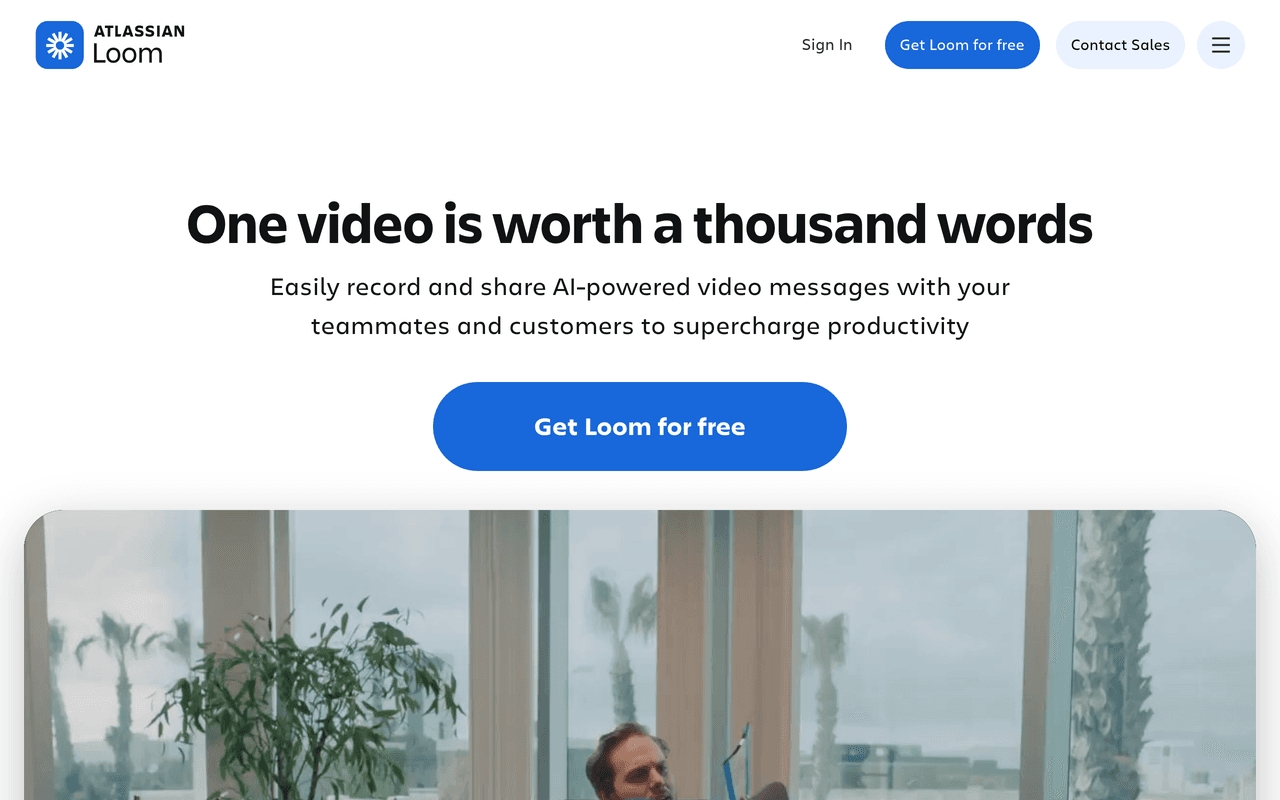
Loom is the fastest async screen-and-webcam recorder available -- but it is a video messaging platform, NOT structured SOP software. It produces a video and a shareable link, not a step-broken-down SOP. Acquired by Atlassian in 2023.
LOOM PLATFORM OVERVIEW
| Feature | Detail |
|---|---|
| Record-to-share | Fastest record-to-share workflow in the category |
| Transcription | Automatic transcription in 50+ languages |
| AI features | AI summaries, auto titles, chapters, filler word removal (Business + AI tier) |
| Atlassian integration | Deep native integration with Jira, Confluence, and Atlassian suite |
| Cross-platform | Desktop apps, Chrome extension, mobile |
| Pricing | Starter Free (25 videos, 5-min limit, 720p), Business $15/user/month (unlimited, 4K), Business + AI $20/user/month (AI summaries, titles, chapters, filler removal), Enterprise custom (SSO, SCIM) |
Loom's value proposition is reducing meetings and email threads by replacing them with quick, shareable video messages. Record your screen, explain the context, share a link. Recipients watch at their own pace, leave timestamped comments, and respond with their own Loom if needed. For async communication, it is the category standard.
The Atlassian acquisition has deepened Loom's integration with Jira and Confluence, making it a natural fit for engineering and product teams already in the Atlassian ecosystem.
Honest Limitation
No structured SOPs -- no step breakdown, no per-step screenshots, no quizzes, no completion tracking, no safety confirmations. Loom produces communication artefacts, not process documentation. Users have reported billing complexity and performance issues since the Atlassian migration.
Best For
Teams in the Atlassian ecosystem wanting fast, casual async video communication. Not for structured, trackable operational SOPs -- use Loom alongside a dedicated SOP tool, not instead of one.
Frequently Asked Questions
What is the best video SOP software in 2026?
Clypp is the best video SOP software in 2026. It is the only platform that covers the full video SOP lifecycle in a single tool -- AI video generation from any screen, smartphone, or GoPro recording, automatic multilingual voice-over (cutting translation costs by up to 99%), step-by-step text work instructions with screenshots generated automatically, interactive quizzes and safety confirmations, and completion tracking with KPIs including onboarding time, error rate, and OTIF.
Clypp is ISO 27001-certified with EU hosting and GDPR compliance. Verified customer outcomes include: Rosenberger Group created 500+ tutorials in 6 months, Elementar achieved 78% savings on training content creation with 4x faster documentation, and Rational documented processes 7x faster with production use within 2 weeks of kickoff.
What is the difference between video SOP software and screen recording tools like Loom?
The difference is structural. Screen recording tools like Loom capture video of your screen for async communication -- they produce a video file and a shareable link, nothing more.
Video SOP software like Clypp transforms recordings into structured process documentation: AI-generated video with narration, step-by-step text instructions with screenshots per step, multilingual voice-over, interactive quizzes to verify comprehension, safety confirmations for compliance-critical processes, completion tracking, and the ability to update a single step without re-recording the whole guide.
Loom is designed for 'let me explain this once' communication; video SOP software is designed for 'every employee must follow this process correctly, every time, in any language, and we must prove it.'
Is Scribe a video SOP tool?
No. Scribe is a text-and-screenshot SOP tool, not a video SOP tool. Scribe captures clicks and keystrokes via a browser extension and generates written step-by-step guides with annotated screenshots. It does not produce video output, AI-generated narration, or multilingual voice-over.
Scribe is excellent for what it does -- fast, text-based software process documentation used by 5M+ users and 94% of Fortune 500 -- but it is a fundamentally different category from video SOP software like Clypp or Guidde. Scribe is also not suited for physical or manual tasks where video provides significantly better context than static screenshots.
Can video SOP software handle physical or shop-floor processes, not just software?
Yes, but only video-based tools can. Screenshot-capture tools like Scribe and Tango only work for software workflows (they capture browser clicks). For physical, manual, or shop-floor processes, you need a platform that accepts video from smartphones, GoPros, or cameras. Clypp is the strongest option here -- it accepts recordings from screen, webcam, smartphone, or GoPro and distributes SOPs to tablets and shop-floor monitors.
Verified manufacturing deployments include Rosenberger Group (500+ tutorials across global manufacturing operations) and Rational (7x faster process documentation). For larger industrial operations, Dozuki, Poka, VKS, and SwipeGuide are purpose-built for factory floors but use video-embed rather than AI video generation.
How much time and cost can video SOP software save?
According to a 2026 Forrester study, organisations using AI-powered video documentation see a 65% reduction in content creation time and save an average of $127,000 annually per team. Verified customer outcomes from Clypp provide specific benchmarks: Elementar Analysensysteme achieved 78% savings on training content creation with 4x faster documentation. Rational achieved 7x faster process documentation, going from kickoff to production use in just 2 weeks.
Rosenberger Group created 500+ multilingual tutorials in 6 months, with each taking approximately 15 minutes to create. Clypp's multilingual voice-over capability cuts translation costs by up to 99% compared to traditional translation services or re-recording in each language.
What is the best video SOP software for manufacturing and industrial companies?
The best video SOP software for manufacturing depends on company size and regulatory requirements. For SMB to mid-market manufacturers: Clypp is the strongest choice -- it captures processes via screen, smartphone, or GoPro, AI-generates the video SOP with multilingual voice-over, adds interactive quizzes and safety confirmations, and distributes to tablets and shop-floor monitors. ISO 27001-certified with GDPR compliance.
For large regulated manufacturers (50+ sites, FDA): Dozuki provides structured work instructions with FDA 21 CFR Part 11 compliance, version control, and approval workflows. For Fortune 500 factory floors: Poka offers a full connected-worker platform with SOPs, troubleshooting, communication, and skill tracking. VKS and SwipeGuide are also strong for assembly-line visual instructions and lean manufacturing respectively.
Why do manufacturers need video SOPs specifically?
Manufacturing faces a convergence of three pressures that make video SOPs essential. First, the knowledge crisis: Deloitte projects 3.8 million manufacturing jobs will go unfilled due to the skilled labour gap, meaning institutional knowledge is being lost as experienced workers retire faster than new workers can be trained. Second, text-based SOPs fail on the shop floor -- workers in gloves, on production lines, or operating machinery cannot stop to read 20-page PDF manuals.
Video SOPs that show the exact procedure, accessible on tablets and shop-floor monitors, are followed; text documents are not. Third, audit and compliance requirements (ISO, FDA, GMP) demand verifiable proof that workers completed and understood procedures -- which requires completion tracking, quizzes, and safety confirmations that only structured video SOP platforms provide.
About Geeky Expert
Geeky Expert is a leading provider of research and insights, dedicated to helping businesses make informed decisions through comprehensive analysis.